
Plays everywhere
VLC, every radio app, car head units, smart speakers, browsers. If it plays audio, it almost certainly plays a SHOUTcast stream.
WorldTune Guide
Before SHOUTcast, running a radio station meant a licence, a transmitter, and money. After it, all you needed was a PC, a playlist, and an internet connection. It came out of the same scrappy corner of the late-1990s software world that gave us Winamp, and a surprising amount of online radio still runs on it.
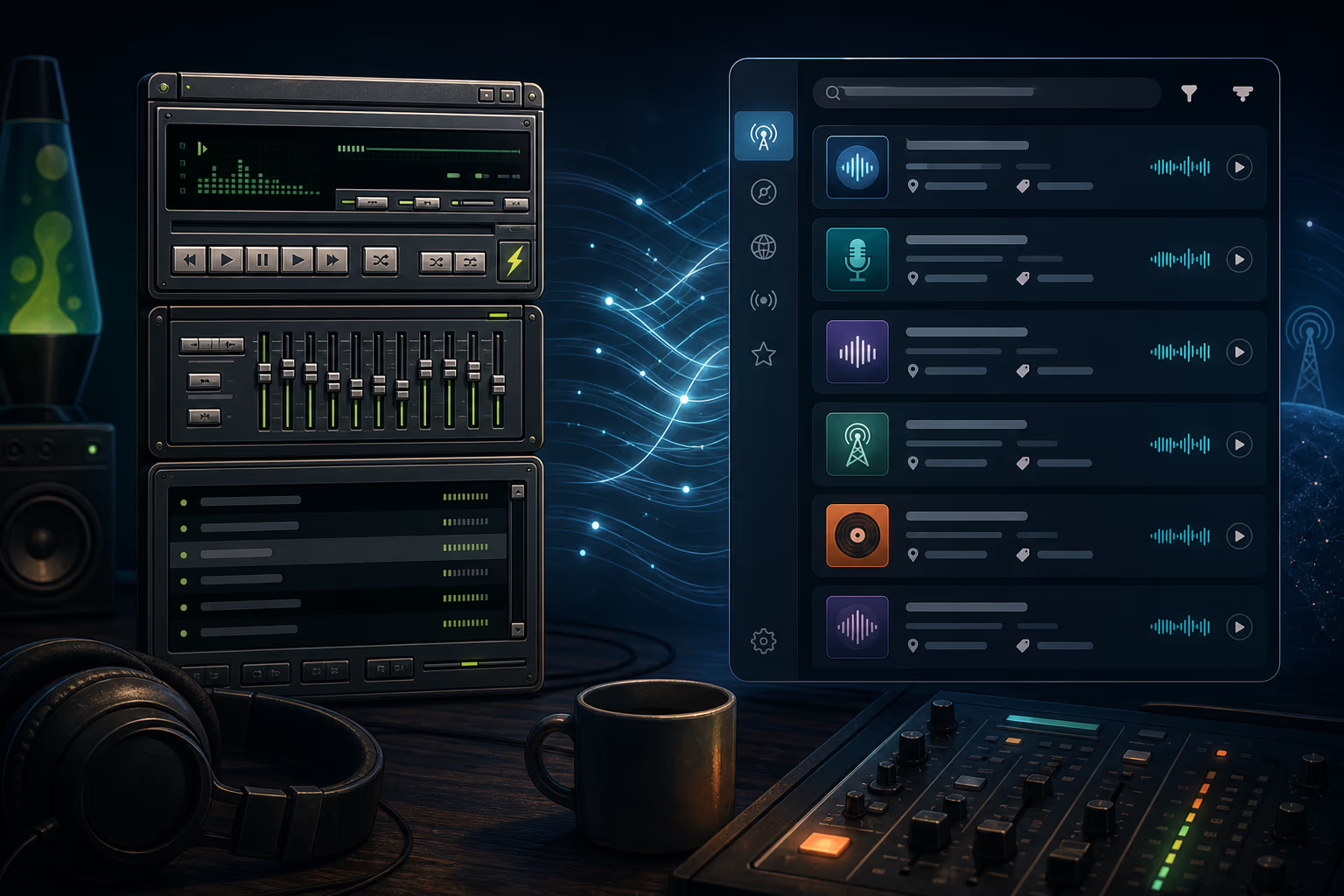
SHOUTcast is a streaming server. One program sends it audio, and it copies that audio out to everyone who connects. That’s the whole trick. Put it on a computer with a decent connection and whatever is playing on that computer becomes a radio station anyone in the world can tune into.
Two names come up constantly. SHOUTcast DNAS (Distributed Network Audio Server) is the server part, the thing that relays the audio. SHOUTcast DSP was the plugin that lived inside Winamp and sent whatever Winamp was playing up to that server. Winamp plus DSP plus DNAS was the original bedroom radio station, and the pattern hasn’t really changed since.
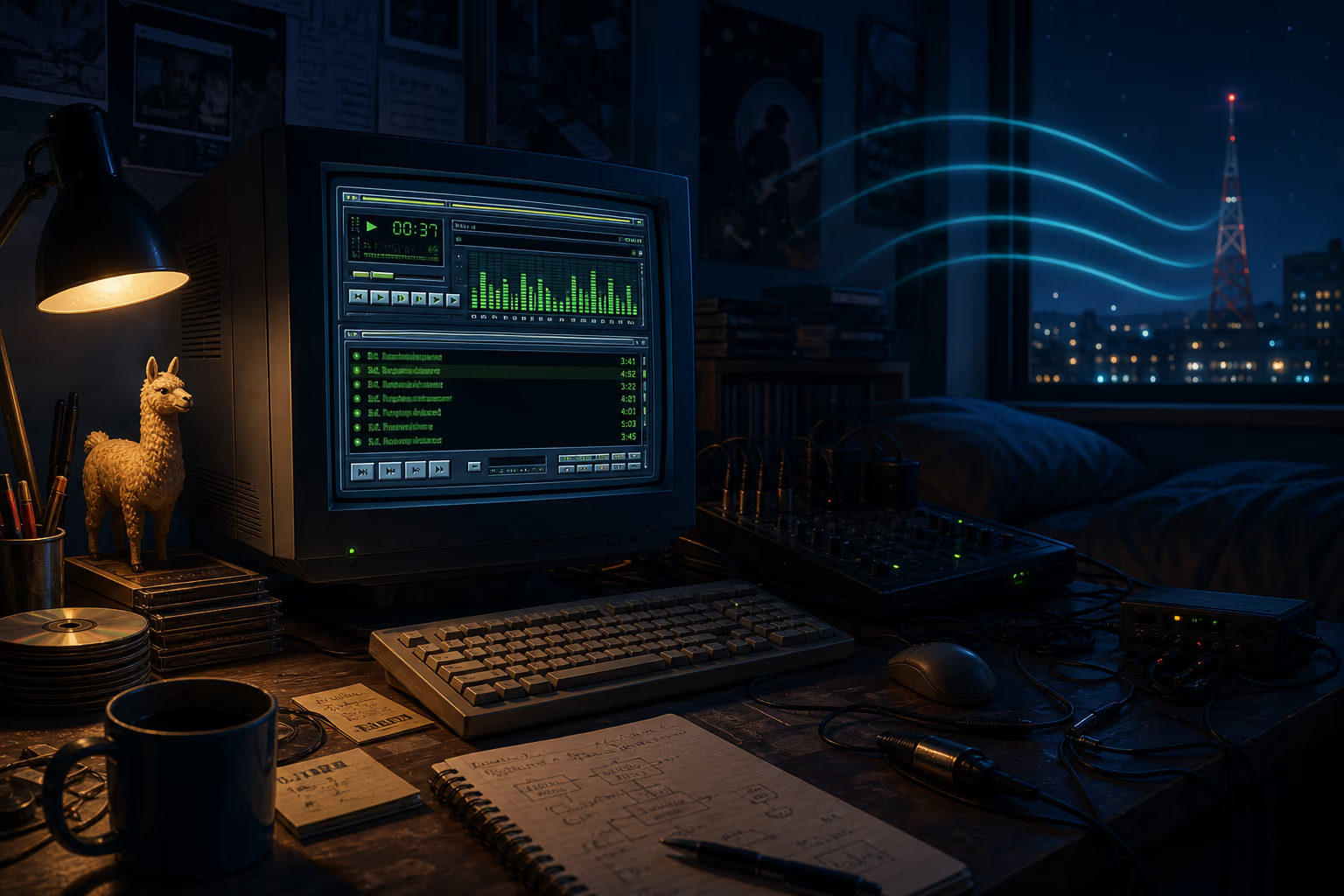
In April 1997 Justin Frankel, with early help from Dmitry Boldyrev, released a small Windows MP3 player under the name Nullsoft. The timing was perfect. MP3s were spreading through dorm rooms and dial-up forums, and people wanted something light and fast to play them. Winamp was that, and then it became a hobby in itself: skins, plugins, visualizers, and the famous llama.
By late 2001 it reportedly had around 60 million registered users, which was enormous for an internet a fraction of today’s size. More importantly, it put a flexible audio toolbox on millions of ordinary desks, and some of those people wanted to do more than just listen.
SHOUTcast arrived a year later and asked an obvious question: if you can play a playlist, why can’t other
people hear it too? The protocol it used picked up the name ICY, usually expanded as
“I Can Yell”, and you can still spot it today in stream headers like icy-name,
icy-br, and icy-metaint.
The competition at the time wanted you to install their player, run their server, and think like a broadcaster. SHOUTcast used MP3, which everyone already had, sent it over something close enough to HTTP that it went through firewalls, worked with the player people were already using, and listed your station in a public directory for free. Starting a station went from a project to a weekend.
In June 1999 AOL bought Nullsoft, along with Spinner.com, in a stock deal reported at around 400 million dollars. A small irreverent software shop was suddenly inside one of the biggest media companies on earth, and the fit was never comfortable. The software kept going anyway, mostly because so many people had already built their stations around it.
The following decade was a slow fade: iTunes arrived, the original team left, and AOL lost interest. In 2013 it announced it was shutting Winamp and SHOUTcast down. Radionomy, a Belgian online radio company, bought both in early 2014 and kept the server alive. A DNAS 2.6.1 release in 2022 shows it was still being maintained well into the era of streaming apps.
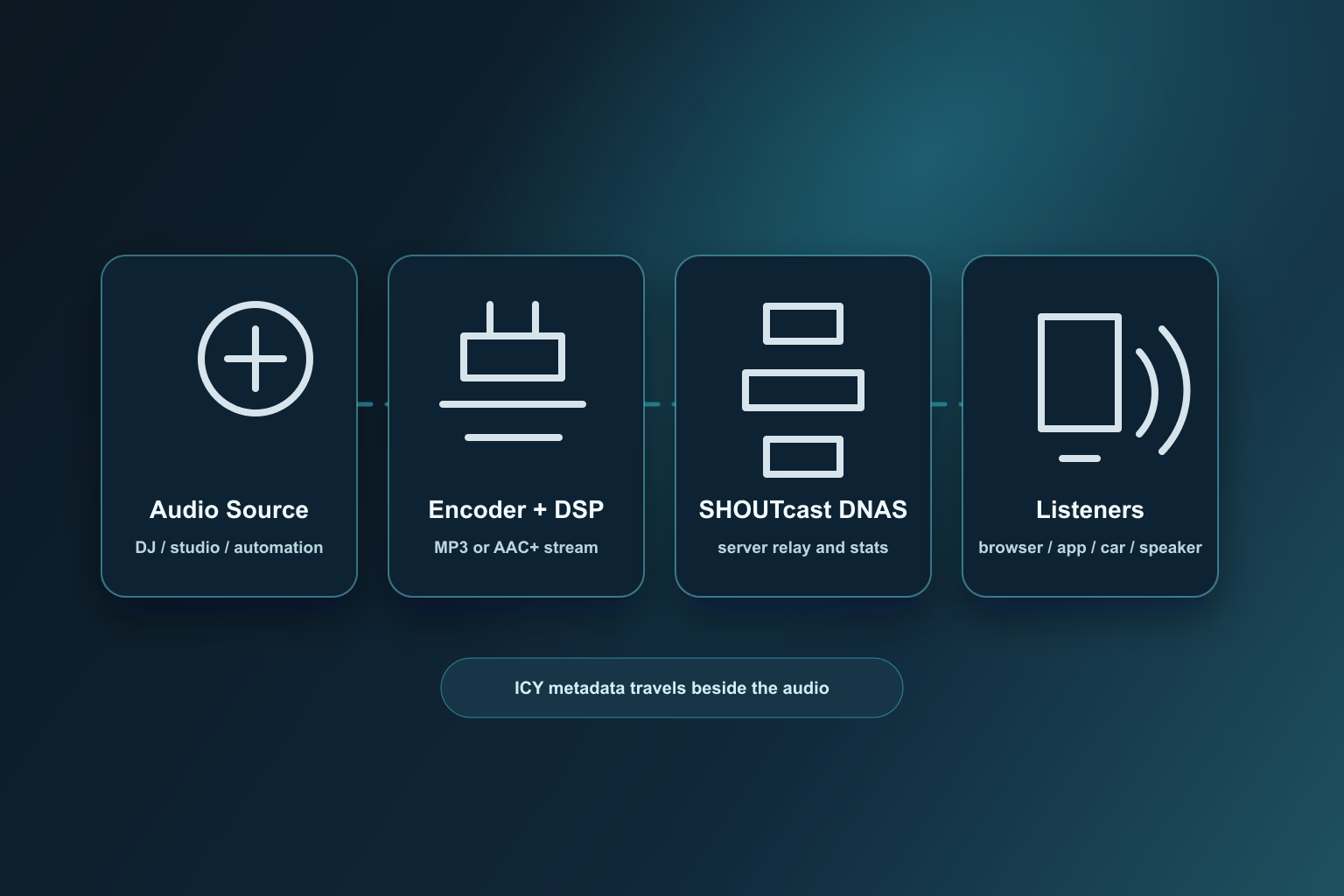
Something produces audio: a DJ, a studio desk, or automation software. An encoder compresses it, usually to MP3 or AAC, and sends it to the DNAS server. The server hands a copy to every listener who connects. Your player opens the stream URL, buffers a couple of seconds, and keeps reading until you stop or the station goes off air.
The clever bit is that a SHOUTcast stream looks like a web page download that never finishes. Audio pours
out continuously, and every fixed number of bytes (the icy-metaint value) the server slips in
a short text block. When the song changes, that block carries a StreamTitle like
Artist - Title. That’s how a radio app knows what’s playing without anyone telling it.
The first DNAS did one stream per process, in MP3, with just enough statistics to tell you whether anyone was out there. Version 2 added several streams per server, proper passwords, AAC and AAC+, and a nicer admin page. The thing it got right was not breaking anything: a player written for v1 still works against a v2 server today.
That’s also why you keep running into SHOUTcast streams in directories. A station whose stream plays in cars, on desktops, in apps, and in every directory has no reason to touch it. Working infrastructure gets left alone, sometimes for twenty years.
VLC, every radio app, car head units, smart speakers, browsers. If it plays audio, it almost certainly plays a SHOUTcast stream.
The public directory gave tiny stations a place to be found, years before app stores and radio apps made that feel normal.
SAM Broadcaster, VirtualDJ, RadioDJ, mAirList, BUTT, Mixxx, Liquidsoap: pick any broadcasting tool and it has a SHOUTcast output.
Current listeners, the day’s peak, how long people stay, and what they’re listening on. Not fancy, but enough.
The server barely uses any CPU. What limits a station is the bandwidth bill, not the computer.
Send audio to a server, share the URL, people listen. For a volunteer running a community station, that clarity is worth a lot.
A fair share of the stations in WorldTune still come from SHOUTcast servers. Open the web player, pick almost anything, and you’re listening to the same protocol a bedroom DJ used in 1999.
If you want several mount points, automatic fallback streams, open codecs, and everything configured from a text file on Linux, Icecast is the more comfortable tool. SHOUTcast v2 narrowed the gap, but technical operators still tend to reach for Icecast.
SHOUTcast does MP3 and AAC. That’s it. If you want Opus, which sounds remarkably good for speech at tiny bitrates and costs nothing in licensing, you’re using Icecast.
Between the encoder, the server, your player, and the buffers in between, a SHOUTcast stream usually runs some seconds behind real time. For music nobody notices. For a football match where your neighbour has the FM on, you will. And the metadata is just a line of text: artwork, lyrics, and artist details have to be looked up elsewhere, which is what apps like WorldTune do. There’s more on that in how online radio metadata works.
Nobody has a reliable number, because so many stations are unlisted, relayed, or hidden behind a hosting provider. But look through any radio directory and you’ll find SHOUTcast-style streams everywhere, and every radio app, automation tool, and stream host still treats them as completely normal.
The typical SHOUTcast station today is independent: a community broadcaster, a genre stream run by one obsessive, a college station, a DJ with a few hundred loyal listeners, a shop playing background music to itself. It persists precisely because it’s unglamorous. It works, everyone knows it, and nothing breaks.
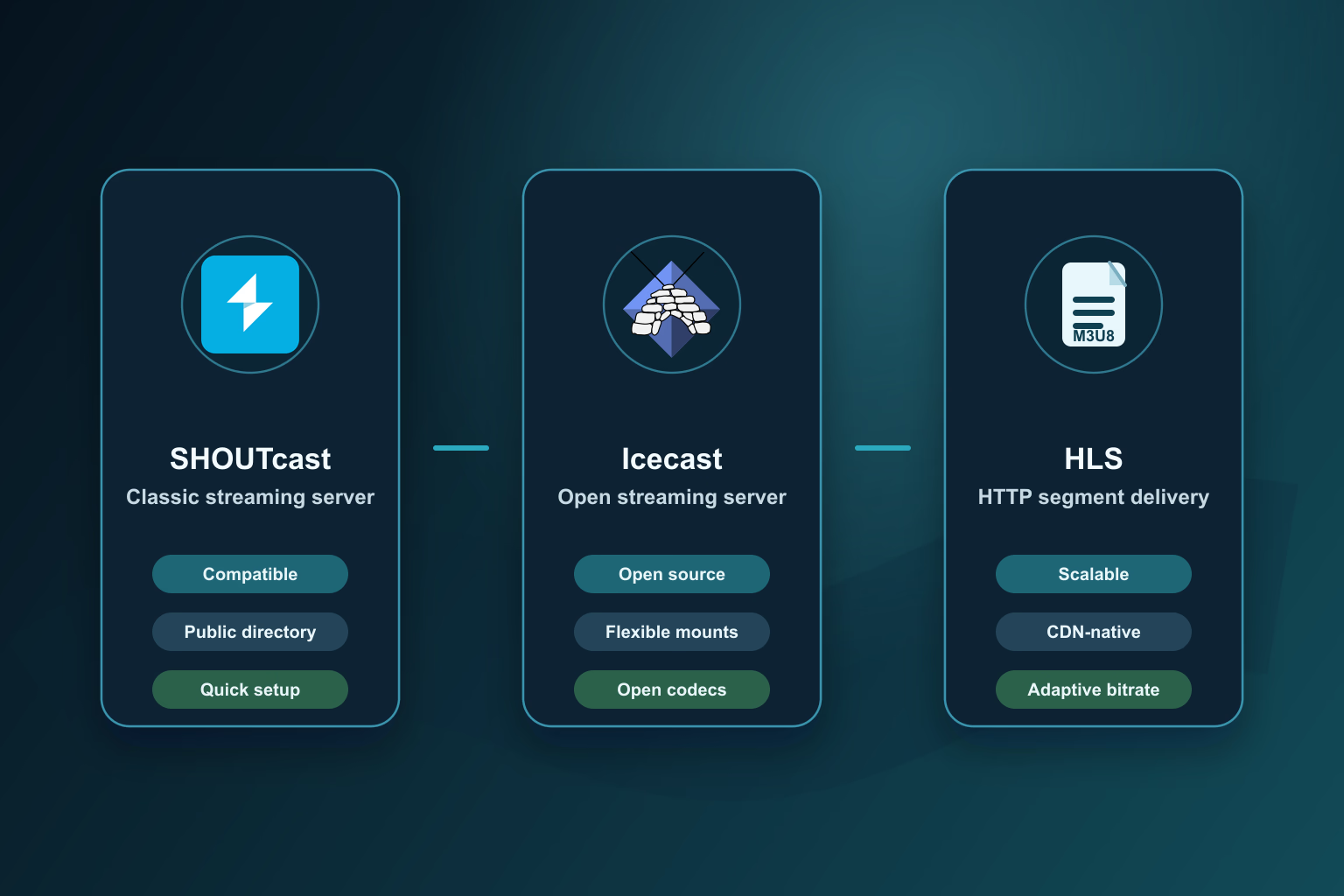
SHOUTcast is the safe, familiar choice. Every tool supports it, every player plays it, and it’s still the quickest way to get a plain live stream on the air.
Icecast, from the Xiph.Org open-source community, is the flexible one: multiple mount points, fallbacks, Ogg Vorbis and Opus. Technically minded stations and public broadcasters tend to prefer it.
HLS is what large broadcasters use when they need to serve a stadium’s worth of listeners through a CDN and adapt to bad connections. More moving parts, more delay, but it scales like a website.
You can install DNAS on a cheap virtual server and own the whole thing, including the configuration, the security, and the bandwidth bill. Or you can pay a radio host a few dollars a month for a control panel, a stream URL, statistics, and someone to email when it breaks.
A working configuration is short: an admin password, a password for the encoder, a port, a stream ID, and a listener limit. Start it, open the admin page, and you have a stream URL that’s playing silence until something connects.
BUTT is the simplest if you just want to send what your sound card hears. DJs usually use Mixxx or VirtualDJ. Stations that run on a schedule use RadioDJ, SAM Broadcaster, mAirList, or Liquidsoap. Whichever you choose, you point it at the server, give it the password, and pick a bitrate.
Open the stream in VLC, in a browser, and on a phone before you tell anyone about it. Then submit it to the directories. And if you’re playing commercial music, licensing isn’t optional: what you owe depends on your country, your audience, and what you play. Some hosting providers include it for some regions. Check before you go public, not after.
We’ll write a proper step-by-step guide at some point. For now this is the map: a server, an encoder, a URL, a directory listing, and the paperwork.
Three reasons. It works with everything, two generations of broadcasters learned on it, and for a station that plays music or talk all day it is simply good enough. Listeners want the stream to start, stay up, and ideally show the song title. SHOUTcast does all three.
Big networks have moved to HLS and DASH, because they need CDN scale, adaptive bitrates, and one pipeline for audio and video. That leaves SHOUTcast exactly where it started: independent stations, small networks, and anyone who just needs a stream that plays everywhere.
No single winner. SHOUTcast and Icecast keep doing direct streams, HLS keeps doing scale, and the artwork and lyrics keep coming from lookups the player does on the side. SHOUTcast isn’t a museum piece. It’s plumbing: invisible to the listener and still carrying a lot of the water.
Same company, same year give or take, same idea that audio on a PC should be something you could play with.
A never-ending download of audio with a line of text slipped in every so often. That’s ICY, and that’s SHOUTcast.
Because it works with everything, costs nothing to run, and small stations have no reason to change.
This guide draws on public documentation and historical references, including the Winamp history page, the SHOUTcast directory, Icecast, Apple's HTTP Live Streaming resources, and encoder projects such as BUTT, Mixxx, Liquidsoap, and FFmpeg.
If you want to keep going, how online radio metadata works picks up where ICY leaves off, the streaming technology guide covers Icecast and HLS properly, and the history of online radio zooms out to the whole medium. Or just open the web player and listen.