

Search by station name
If you know the broadcaster, start with the station name. This is best for hometown stations, public radio networks, and stations you already follow.
Online radio is easiest to enjoy when you know how to search, filter, save, and troubleshoot live streams. This guide explains a practical workflow for discovering stations in WorldTune and other online radio players.

A large radio catalog can feel noisy if every station appears at once. Start with what you want to hear: local news, a hometown station, a language you are learning, a genre, a sports broadcast, or a country you want to explore.
In WorldTune, the fastest path is usually station name search, country filtering, tag filtering, and then saving the best matches as favorites so you do not repeat the same search later.
If you know the broadcaster, start with the station name. This is best for hometown stations, public radio networks, and stations you already follow.
Country filters narrow the catalog by location, while tags help with genres, formats, languages, news, talk, sports, and music styles.
Favorites turn discovery into a repeatable routine. Save stations that work well, then return to them without scanning the full catalog again.
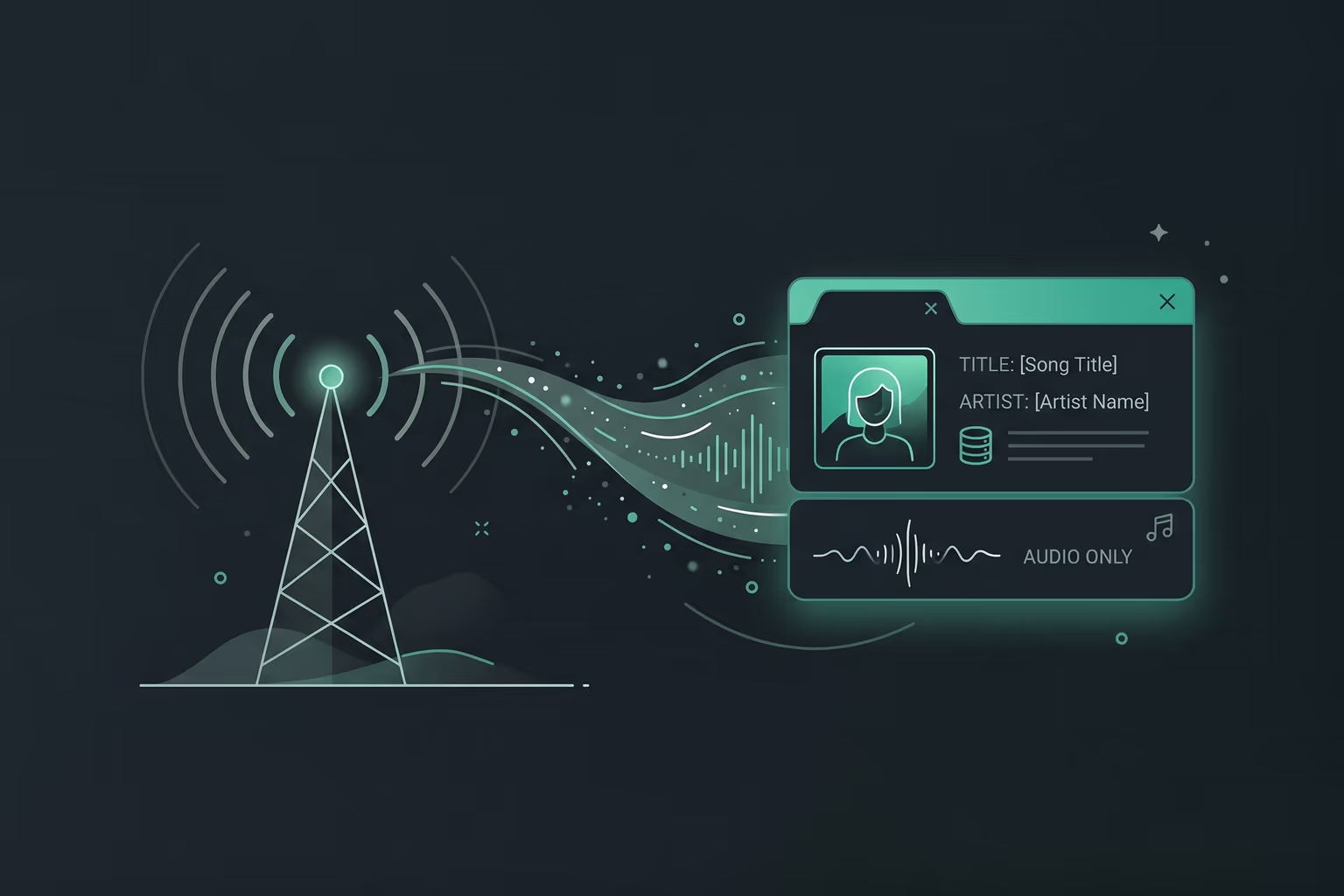
Some online stations publish rich metadata, including current song titles, program names, codec information, artwork, and sometimes enough detail to look up artist or lyric context. Other stations publish only the audio stream itself.
That difference is normal. Metadata quality depends on broadcaster systems, stream servers, syndication tools, and how often the source updates now-playing information. A station can sound great even if it exposes limited metadata.
If other stations work, the issue is probably with that specific stream, broadcaster, or regional access rule.
A stream can go offline, change address, restrict some countries, or stop responding during server maintenance or special programming.
If a station repeatedly fails, share the station name, country, device, browser, and approximate time through the contact page.
WorldTune organizes publicly available radio streams provided and controlled by third-party broadcasters. Availability, rights, metadata, and regional access remain under each broadcaster's control.
For a broader view of how this ecosystem developed, read the history of online radio. You can also learn more about WorldTune or review the privacy policy.