
Find a station fast
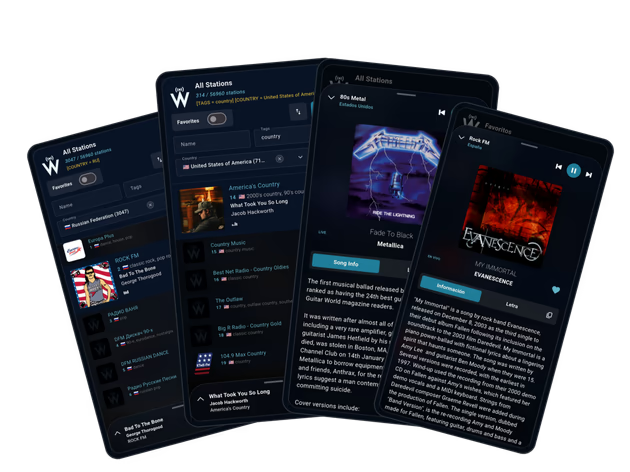
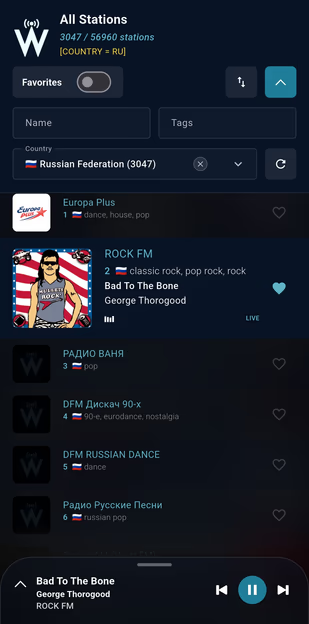
Type a name, pick a country, or narrow the list by tag. Search and sorting are quick enough that finding a station feels like turning a dial, not filling in a form.

WorldTune puts tens of thousands of live stations in one place. Look up a station by name, jump to a country, narrow things down by tag, and keep the good ones a tap away. When a station shares what’s playing, you’ll see it on screen.
The Android app is the best way to listen day to day. If you’d rather not install anything, the web player works in any modern browser. Our privacy policy explains what the app stores and how to ask us to delete it.
Type a name, pick a country, or narrow the list by tag. Search and sorting are quick enough that finding a station feels like turning a dial, not filling in a form.
Save a station once and it’s waiting for you next time. Most people end up with a handful of regulars, and that short list is where they start every day.
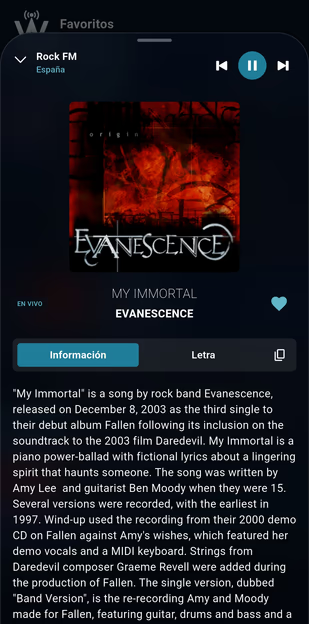
Many stations send the song title along with the stream. When they do, WorldTune picks it up and can add cover art, artist details, and lyrics to the now playing screen.
Most of the time you want the station list in front of you and the current station within reach. So that’s how the app is built: browsing stays on top, and the player sits in a panel at the bottom that you pull up when you want artwork, song details, lyrics, or your favorites.
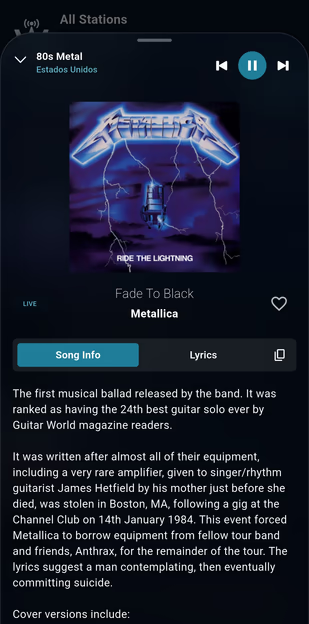
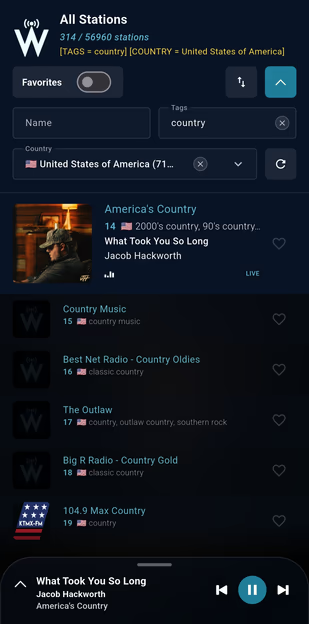
Both are free. The app is on Google Play today, and the web player is there for the moments when installing something isn’t convenient.
A good session usually goes like this: search for a name you already know, or pick a country and a tag, try a few stations, and save the ones that stick. The catalog is big. That routine is how it stops feeling big.
We wrote a guide to listening to online radio that walks through finding stations, reading what a station tells you about itself, using favorites, and what to do when a stream won’t play.
The stations you’d find on a car radio are still there, with the same presenters, local news, and music that someone chose on purpose. What changed is reach. A community station in Lisbon or Lagos is now as easy to open as the one down the street.
WorldTune doesn’t run any of these stations. We index public streams that broadcasters publish themselves, and each broadcaster decides whether a stream stays up, where it can be heard, and what it sends along with the audio.
Short reads on how online radio works, where it came from, and how to get more out of it.
Showing curated guides
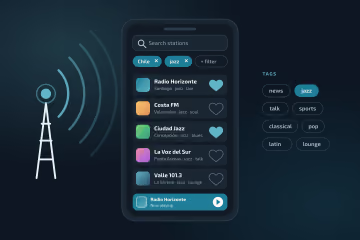
How to find stations worth keeping, make sense of what they show you, and fix the ones that won’t play.
Read guide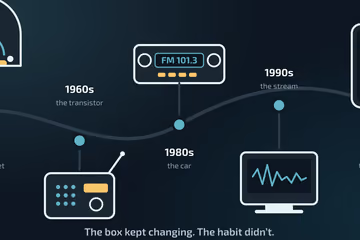
How a habit built around transmitters and territory survived the move to the internet.
Read guideYou don’t need an account to listen. Favorites in the app are tied to a device identifier so they can be restored, and the web player keeps yours in your browser. The privacy policy spells out what’s stored, which third-party services are involved, and how to ask us to delete your data.
Covers browser storage, app favorites, ads, supporting services, and how to send a deletion request.
WorldTune is a free app and web player for listening to live radio from around the world. Stations are organized by country, language, and tag, so you can look up one you already know or wander into one you don’t.
No. Open the app or the web player and start listening. Favorites and settings stay on your device or in your browser, not in an account.
Yes. Listening is free on both the Android app and the web player.
Yes. Tap the heart on any station to keep it in your favorites. In the app, favorites are tied to your device. In the browser, they live in local storage, so clearing site data clears them too.
Because the stream belongs to the broadcaster, not to us. Stations go offline, move to a new address, block some countries, or just stop responding for a while. If other stations play fine, the problem is almost always on that station’s end.
Email [email protected] and tell us what you would like reviewed or deleted. Include anything that helps us find the record, such as the device identifier shown in the app. Web player favorites never leave your browser, so you can clear those yourself.